DynoAgent
DynoAgent is your AI CRO expert inside DynoWeb — analyze your store, find the fixes that matter, and apply them in Shopify with your approval.
DynoAgent is your AI CRO expert, built into DynoWeb. Ask it about your store in plain English and it reads your live analytics, finds what's costing you sales, and — once you approve — makes the fix in your Shopify store for you.
It's powered by Google Gemini 2.5 Flash, and it stays focused on one job: growing your store's revenue.
What DynoAgent can do
Analyze your store. Ask about traffic, conversion funnels, revenue, and product performance — or the friction that's leaking sales: rage clicks, dead clicks, error clicks, low scroll depth, and form drop-off. It can compare time periods, break results down by device, page, or traffic source, score your overall store health, flag churn risk, and compare customer cohorts.
Find and rank the fixes that matter. Instead of handing you a wall of charts, DynoAgent surfaces the biggest opportunities and ranks them by the money at risk, so you know what to do first.
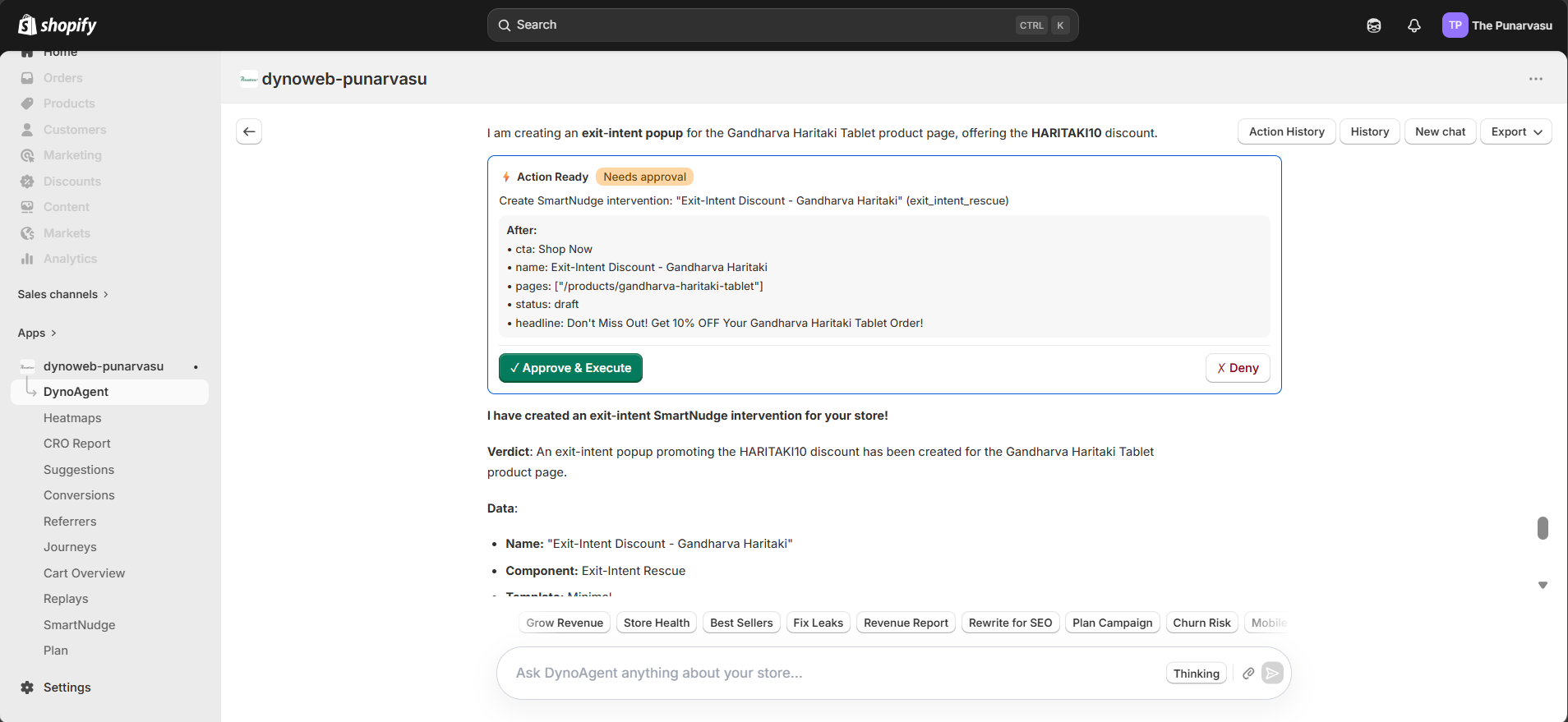
Make changes in Shopify — with your approval. DynoAgent can prepare real store edits: update product titles and descriptions, adjust variant prices, create and edit pages and blog posts, create discount codes, update collections, and make bulk product edits. Nothing goes live until you approve it (see How changes work below).
Build and launch SmartNudge campaigns. Ask it to create a popup or nudge, write the copy, set up an A/B test, publish it live, and report back on what it earned.
Generate visuals. DynoAgent can create brand-matched product photos and store images, and you can choose the aspect ratio and resolution.
Research the web. It can pull in current trends and outside context when that helps answer your question.
Remember your store. DynoAgent saves useful insights about your store and recalls them at the start of future chats — so it gets more useful over time instead of starting from scratch each session.
Watch for errors. It can find storefront JavaScript errors and broken (404) pages, and help resolve them.
What you can ask
A few examples to get started:
- "Where am I losing the most sales right now?"
- "Why are people dropping off at checkout?"
- "Compare this week's conversion rate to last week and tell me what changed."
- "Which products get the most views but the fewest sales?"
- "Write and launch an exit-intent popup with a 10% code for first-time visitors."
- "Fix the SEO title and meta description on my three best-selling products."
- "Create a brand-matched hero image for my summer collection."
- "Set up an A/B test for my free-shipping bar and tell me which version wins."
You can also use the quick-action buttons for common analyses, and attach screenshots or files to give DynoAgent extra context.
How changes work (approvals & undo)
DynoAgent never changes your store silently. When you ask for an edit, it prepares an approval card that shows exactly what will change — the current value and the proposed value, side by side.
- Review the card carefully. Check the before-and-after.
- Approve or decline. Only approved changes are made.
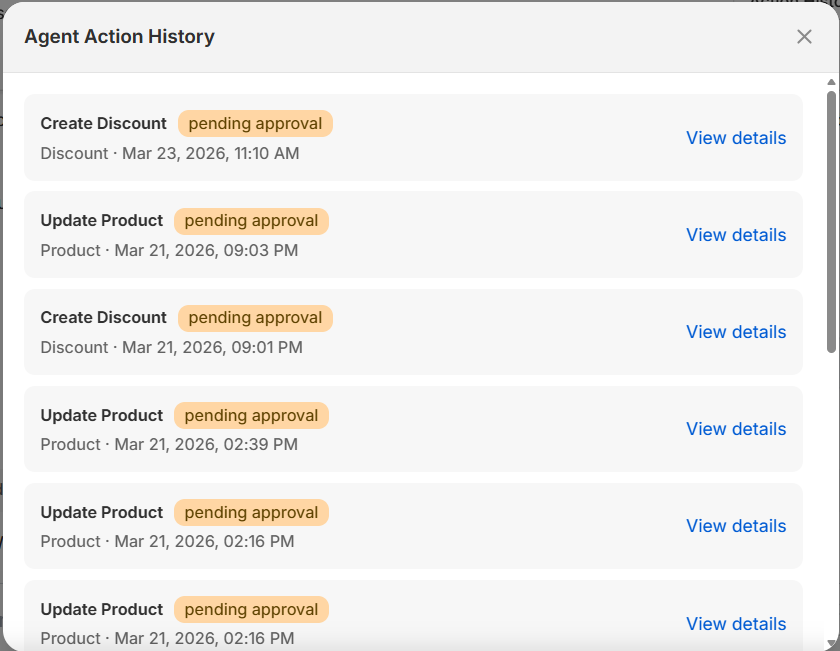
- It's applied through Shopify's official Admin API — no theme-file hacks — and recorded in your Action History.
- Undo when you need to. Many changes can be reverted from Action History, and every action stores a snapshot so you have a record of what was done.
This is the core promise: DynoAgent does the work, but you stay in control.
Plans and limits
DynoAgent is available on paid plans and with the AI Assistant add-on. Reads and analysis are lightweight; changes to your store count for more and have a daily limit that scales with your plan (higher plans allow more changes per day). A monthly AI usage budget also applies.
On the Free plan, DynoAgent's access is limited to core store context — store details, page views, click data, and scroll analysis.
See the Plan page for exact limits by tier.
Use DynoWeb from Claude, Cursor, or ChatGPT
Prefer to work from your own AI tools? You can connect DynoWeb as an MCP server to Claude.ai, Cursor, or ChatGPT and query your store's analytics from there. See the MCP guide to set it up.
Privacy and scope
DynoAgent only reads your own store's data, scoped to your shop. It's built specifically for e-commerce growth on your storefront — it won't act as a general-purpose chatbot or run arbitrary tasks outside that scope.
FAQ
Which AI model powers DynoAgent? Google Gemini 2.5 Flash.
Will it change my store without asking? No. Every change requires your explicit approval on the approval card before it's applied.
Can I undo a change? Yes — many changes can be reverted from Action History, where every action is logged with a snapshot.
Can it write copy and create images? Yes — it can write nudge and page copy and generate brand-matched product and store images.
Does it remember previous conversations? Yes. Conversation history is saved, and DynoAgent recalls saved insights about your store in future chats.
Need help? Email us at help@dynoweb.app.
Previous
SmartNudge
SmartNudge turns visitor behavior into on-site nudges — popups, bars, wheels, and more — styled to your brand, delivered on-site and by email, and measured against a control group.
Next
Heatmaps
Understand how Heatmaps show clicks, frustration, and scroll depth on tracked storefront pages.