Use case — increase Shopify product page conversions
Turn More Product Page Visitors Into Buyers
Find out why visitors leave your product pages without buying — wrong image order, weak CTAs, poor mobile UX — and get exact fixes to boost conversions. Optimize your highest-intent pages with evidence, not guesswork.
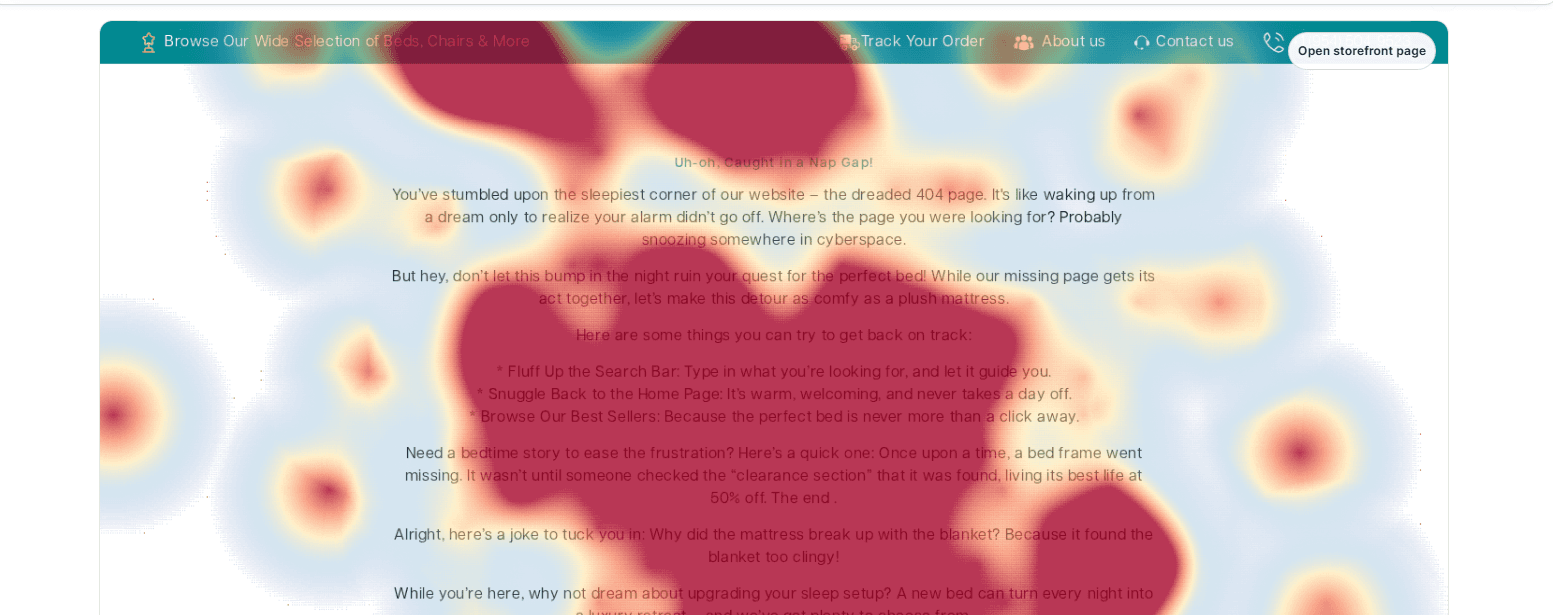
- Click & scroll heatmaps
- Hesitation replays
- PDP-specific AI fixes
- Draft-theme preview
Where PDPs leak
The 4 most common product page conversion killers
High-intent traffic lands on your product pages. These are the friction points that send it away empty-handed.
Imagery
Wrong image order
CTA
Buried add-to-cart
Proof
Reviews never seen
Mobile
Variant-picker friction
What gets seen
See whether your CTA and proof are even visible
The scroll map shows exactly how far shoppers read your product page. If most stop before the add-to-cart button or the reviews, those decisive elements are invisible to the majority — and the fix is simply to raise them above the cliff.
- Find the depth where most visitors stop
- Move the variant picker, CTA, and proof above it
- Check the shorter mobile fold separately

The exact fix
Get a PDP-specific suggestion, ready to ship
DynoWeb turns each product-page friction point into a concrete suggestion — backed by the behavioral evidence, with a theme-editor walkthrough and a code diff. For example: “Add swipe navigation to the product gallery”, detected from hundreds of real swipe gestures.
- Evidence: the exact gestures and events behind it
- Expected impact and difficulty, scored
- Theme-editor steps and a copy-ready code diff

The playbook
A data-backed PDP optimization workflow
- →Pull the click and scroll heatmaps for your top product pages to see where attention concentrates and where it drops.
- →Watch replays of high-intent sessions that didn't convert — the moment of hesitation usually repeats.
- →Lead the gallery with the image shoppers hunt for; raise the variant picker and add-to-cart above the fold.
- →Surface reviews and key proof earlier, especially on mobile where the fold is shorter.
- →Preview each change on a draft theme, ship it, and let revenue attribution confirm the lift.
Common questions
Product page conversions — frequently asked
Why are my Shopify product pages not converting?
Usually it's not one big problem but a stack of small ones: the lead image isn't the one shoppers want, the add-to-cart button sits too low, reviews are buried below the fold, or the mobile variant picker is confusing. Behavioral data — heatmaps, scroll depth, and replays — shows you which of these apply to your specific pages.
How do I optimize a Shopify product page?
Start with evidence, not opinion. Use heatmaps to see where attention goes, scroll maps to see what gets seen, and replays to catch hesitation. Then prioritise the highest-impact fix — often raising the CTA, re-ordering images, or surfacing proof earlier — and measure the result with revenue attribution.
Does DynoWeb tell me exactly what to change on a PDP?
Yes. DynoWeb's AI suggestions are specific to your pages and your theme. Each one includes the evidence behind it, a theme-editor walkthrough, and a code diff with file path and projected lift — so the change is ready to ship, not just a vague tip.
Related
Keep exploring
Try DynoWeb
Turn product page traffic into orders
DynoWeb shows you exactly why shoppers leave your product pages — and hands you the fix. Install free and optimize your best-selling PDP this week.